
The Social Media Look in the Pro Apps You Use.



Native-Looking Content, Without Leaving your Timeline.
Key Features


Choose from our Templates
-
 Adobe Premiere Pro
-
Coming Soon
Final Cut Pro
-
Coming Soon
DaVinci Resolve
TikTok
Text Tool Lite
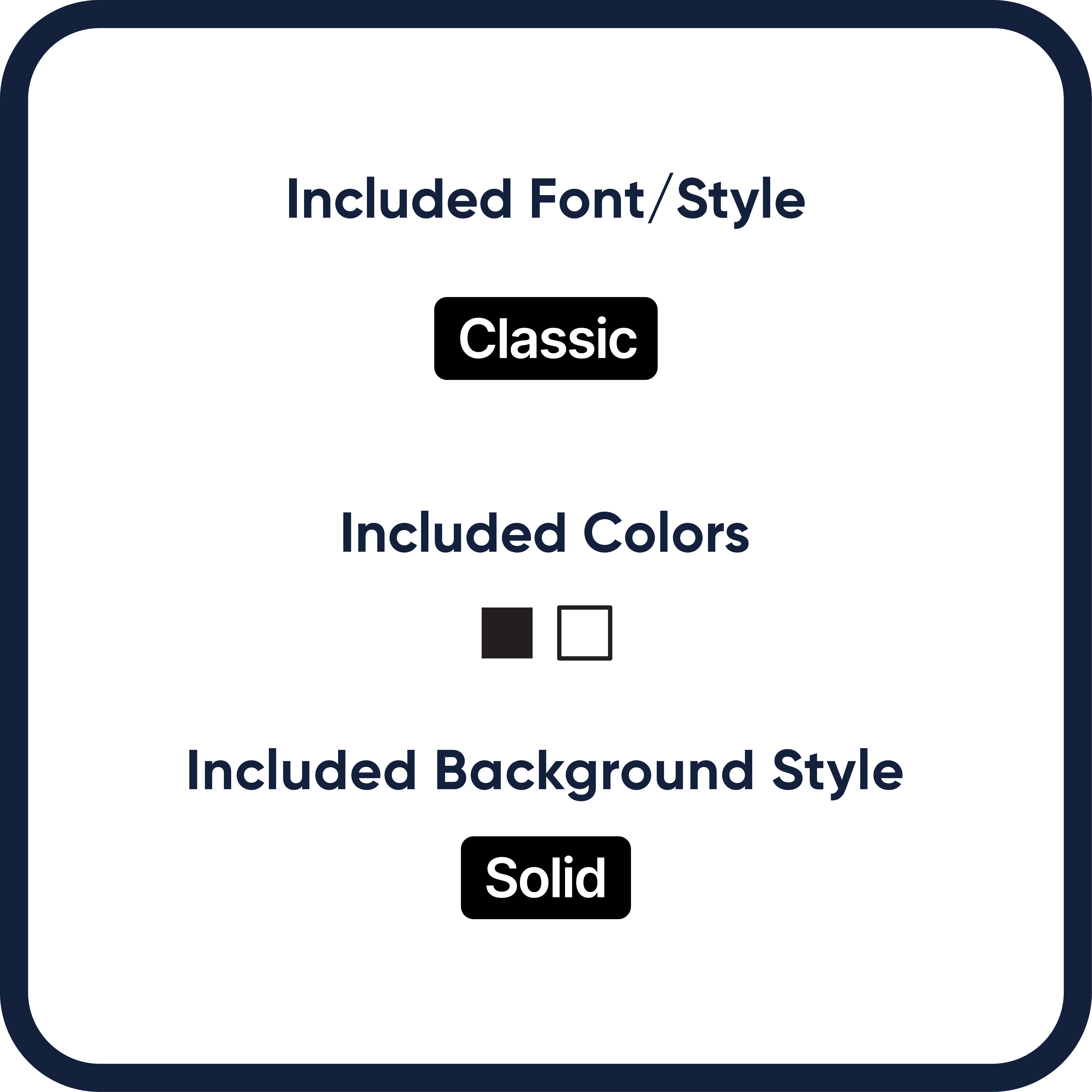
2 Lines of Text
Default Font
Black and White
Limited Settings
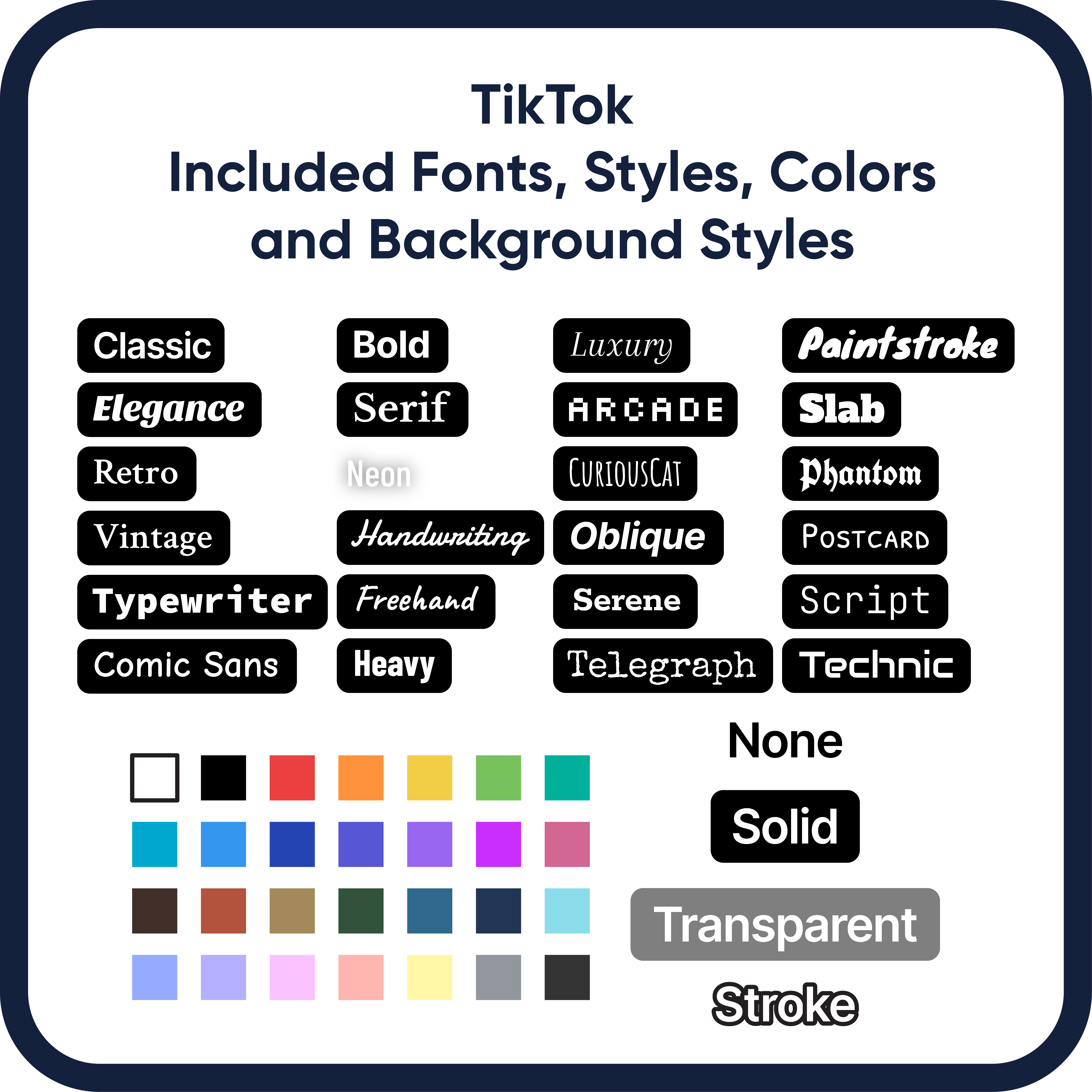
TikTok
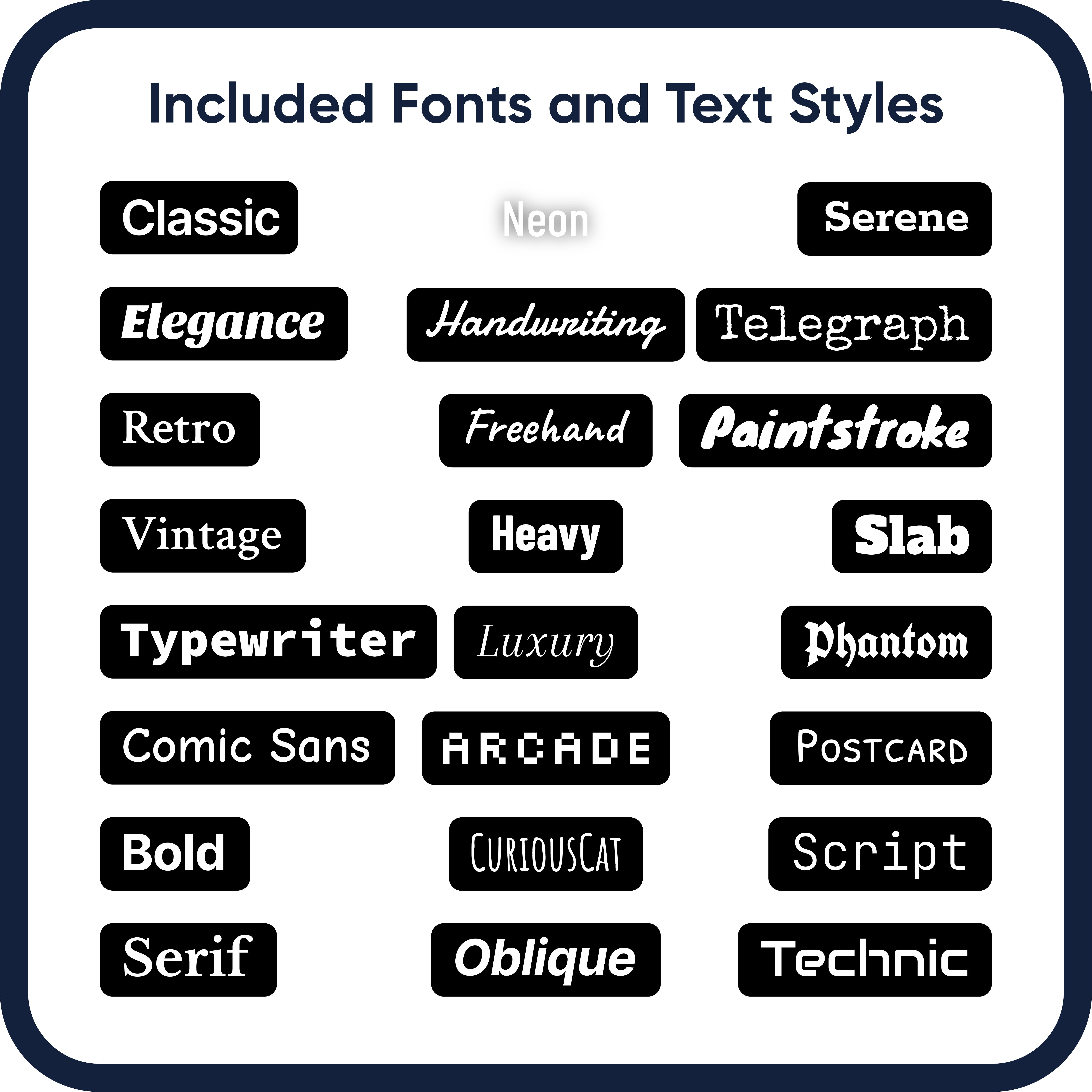
Text Tool
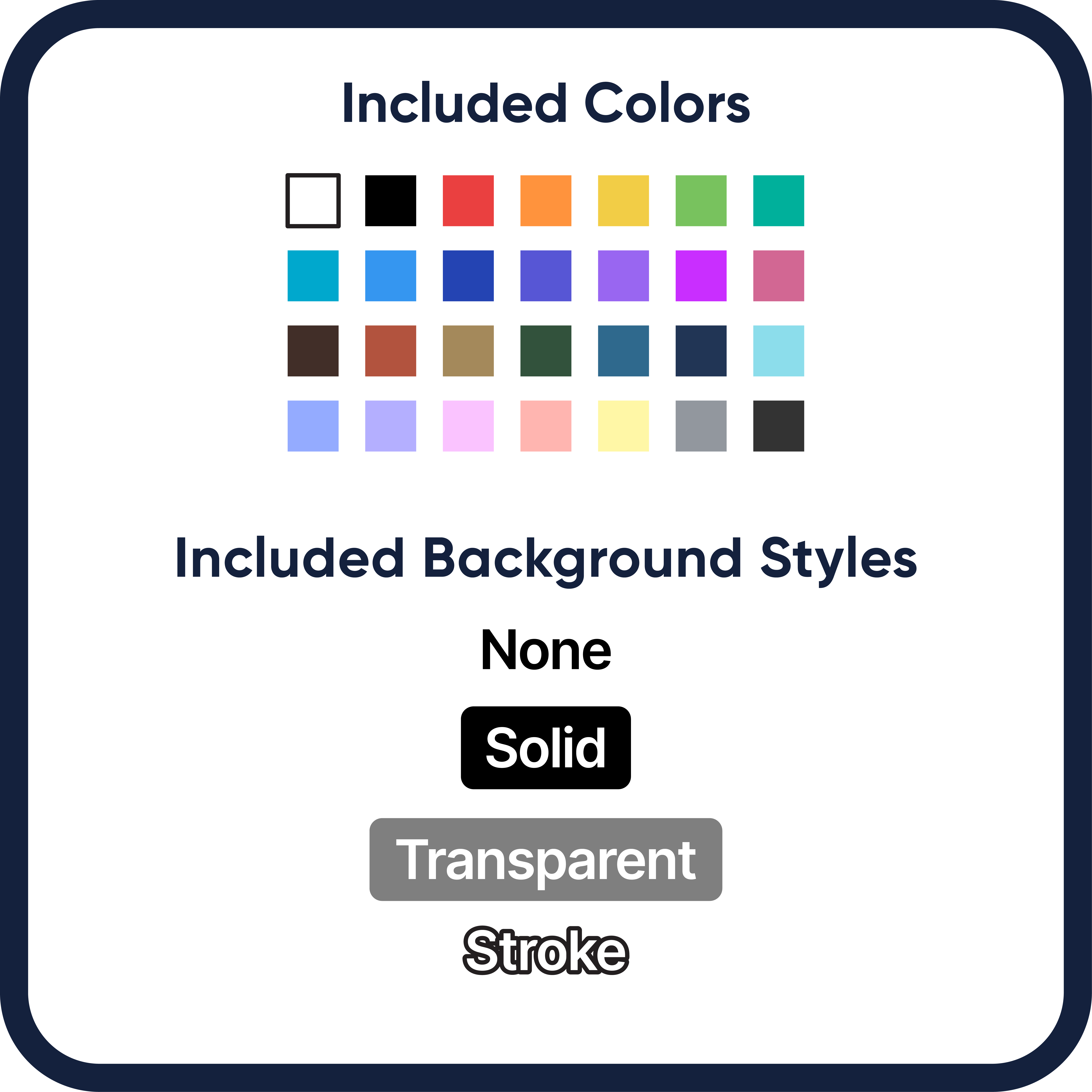
20 Lines of Text
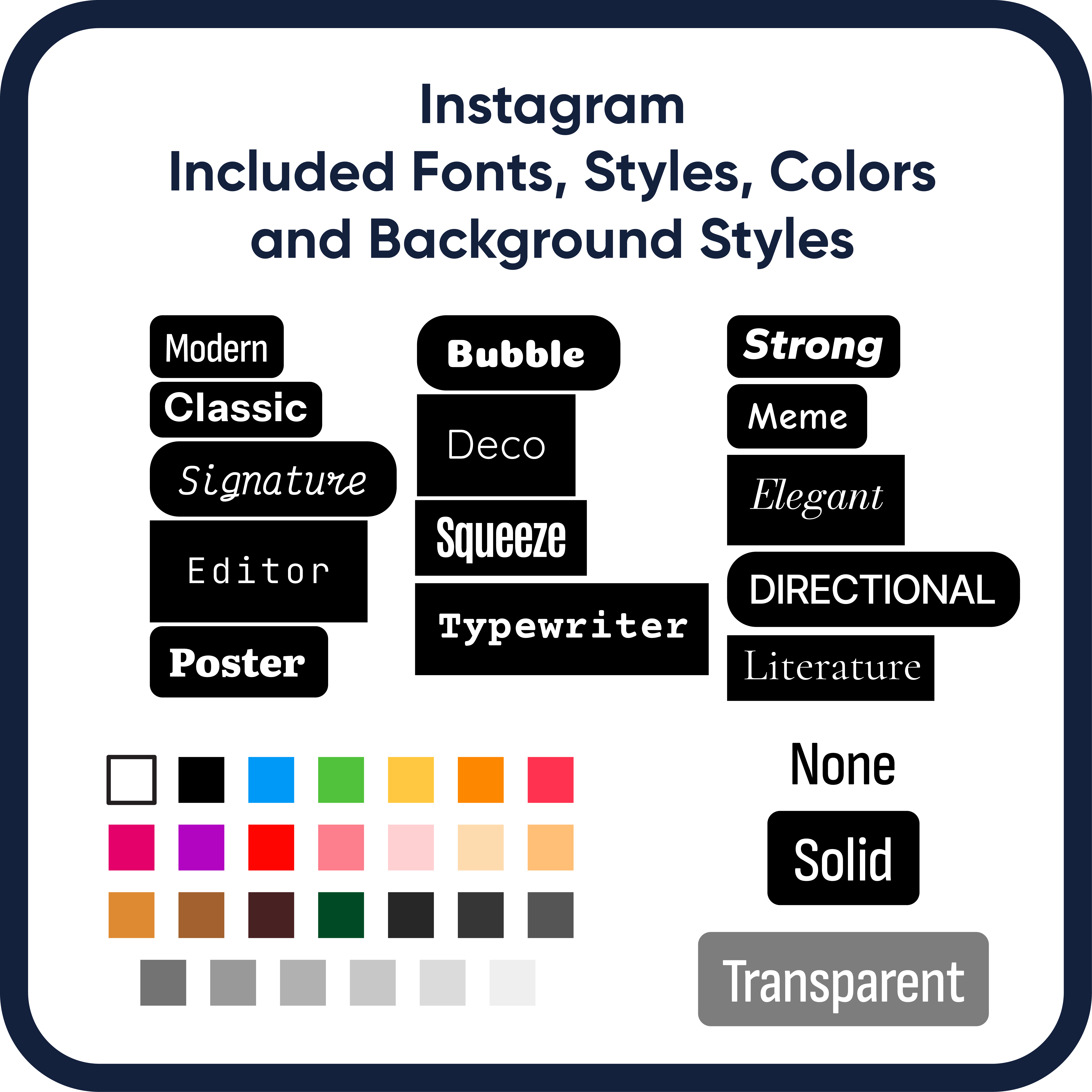
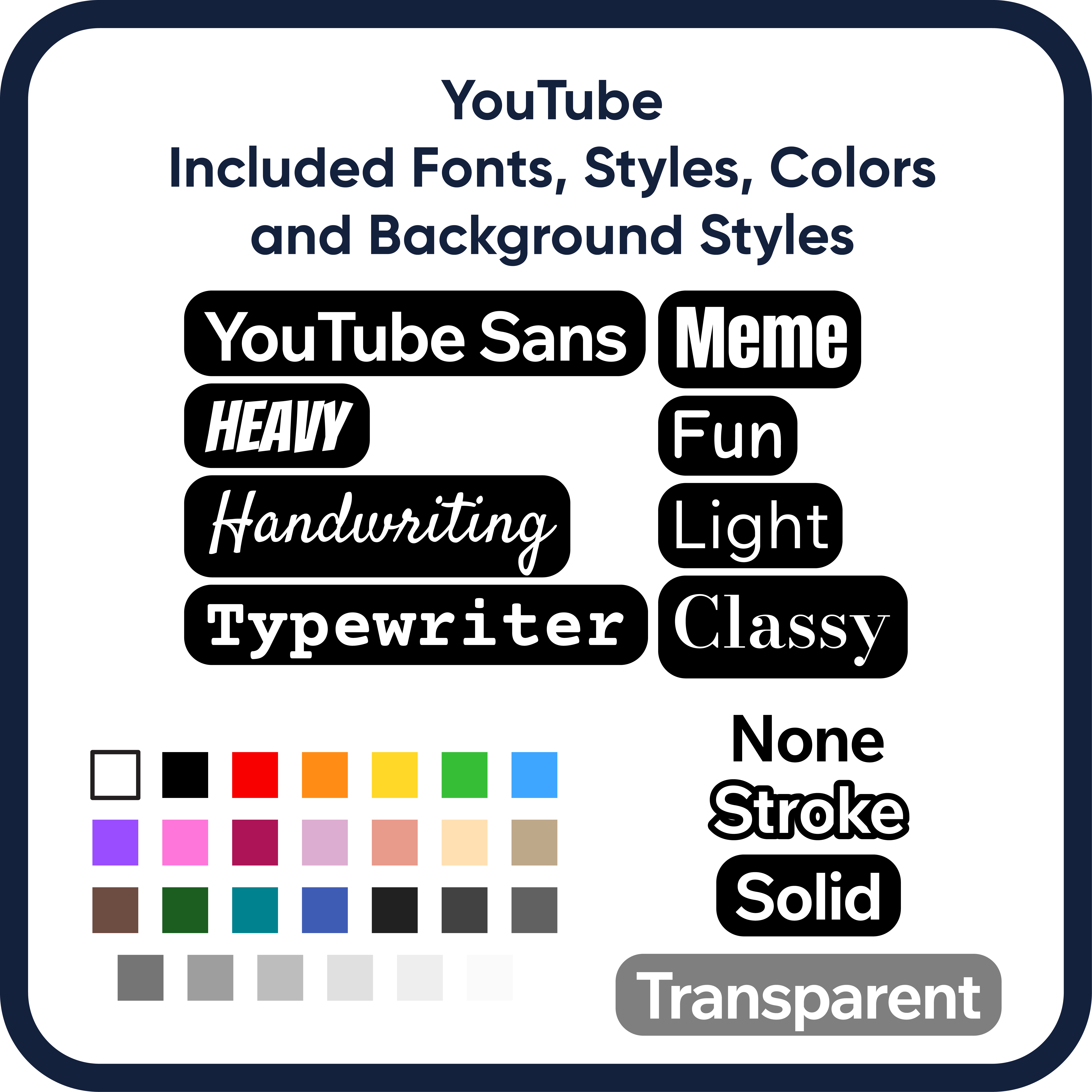
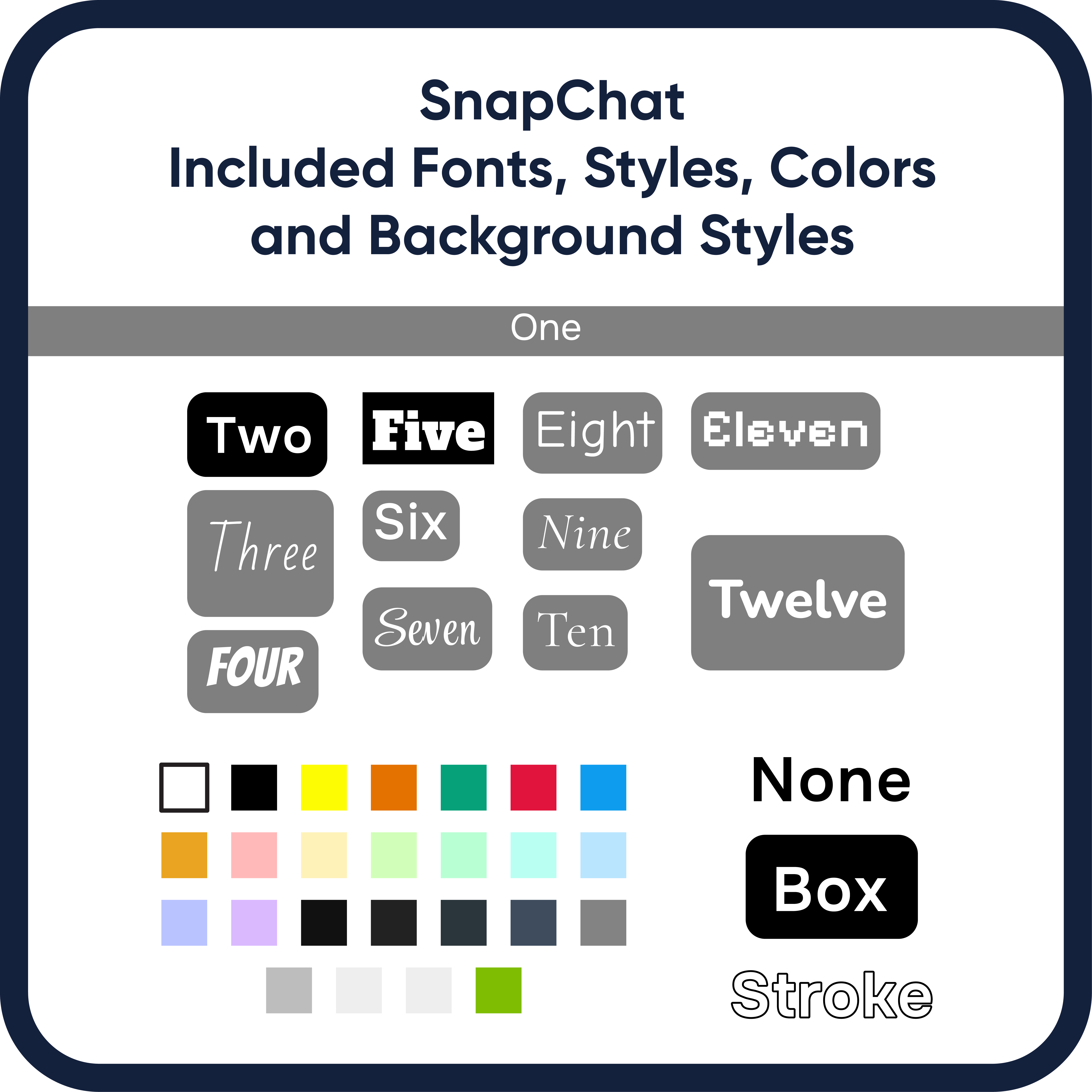
All Fonts
All Color Options
All Available Settings
$29
Text Tool
Bundle
All Four Regular Versions
$99
Adobe Premiere Pro
Installation Instructions

Final Cut pro
Installation Instructions
DaVinci Resolve
Installation Instructions
Tutorials
Installation/Features Overview
Render and Replace Tutorial
FAQs
- Do emojis work with these templates?
Currently Adobe doesn’t support full color emojis for their text in video applications. A work around is to put spaces in the text where you want the emoji to go and put an emoji graphic over it. Here are some additional resources: https://365webresources.com/best-emoji-icon-sets-free-download/
- There have been changes to ‘IG’s, TikTok’s, etc’s’ built in tool and your mogrt is now out of date, what do I do?
I will strive to keep these tools updated and offer a year of complementary upgrades.
- Why is my text getting cut off after a certain size?
The mogrt is 1920×1080. If you scale the text beyond those bounds and use the Effects Controls to movie the mogrt, you might see the edge where the text is cut off. To avoid this, keep the mogrt where it is and scale and rotate the text using the Essential Graphics controls.
- Why do these mogrts make things run so slow?
All mogrts use a decent amount of resources, since you’re effectively running a full other application in the background. Watch the above ‘Render and Replace…’ tutorial for a trick that will drastically speed up playback.
- Are your mogrts compatible with Adobe Rush?
Unfortunately no. Adobe removed support for mogrts created in After Effects a few versions ago. Subscribe to the email list below to be updated when support is returned.
- When will version for Final Cut Pro and DaVinci Resolve be available?
They are currently in development. Subscribe to the newsletter to get the latest updates;
- White is being displayed as grey in the tool. What do I do?
This is likely a result of a color space issue. Go to your sequence settings and select ‘Rec. 709’ from the ‘Working Color Space:’ menu.
- I am still having trouble/have a question not answered above. What do I do?
If you have tried everything above, email info@socialmediatexttools.com with your problem. Keep in mind I am but just one person and it may take a day or two to respond.
